AI agent teams for graph workflows
Generate the graph, review its agents, and assign the right AI to every stage.
v3.0 turns AI-generated graphs into an editable workflow. Choose a single-agent graph or ask CTRL NODE to propose a reusable team of agents, each with its own role and instructions. Review the plan before anything is saved or run.
Once the graph is open in the designer, every stage can be assigned to a specific agent. The Bridge also reports graph planning, task progress and provider health more clearly while it works.
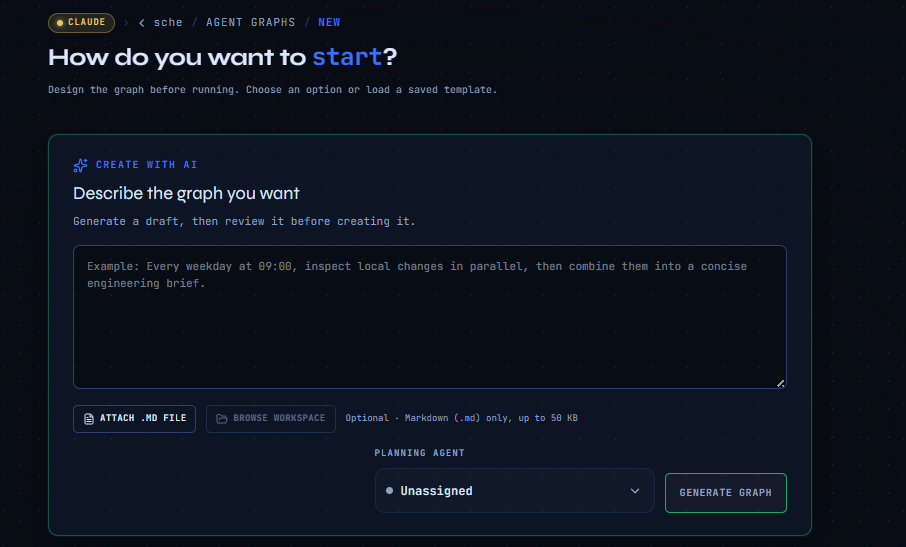
Select how the graph should run before generating it. In multi-agent mode, the planning agent proposes reusable agents with names, roles and instructions, then assigns graph stages to them.
The generated preview shows the agents that will be created and the agent selected for every node. You can review and change those assignments in the graph designer before saving or running the workflow.
Manage empty workspace folders from the browser, with safer path handling and clearer acknowledgements. Graph and task timeouts are also better suited to longer agent runs.